10LB BAG 10LB BAG
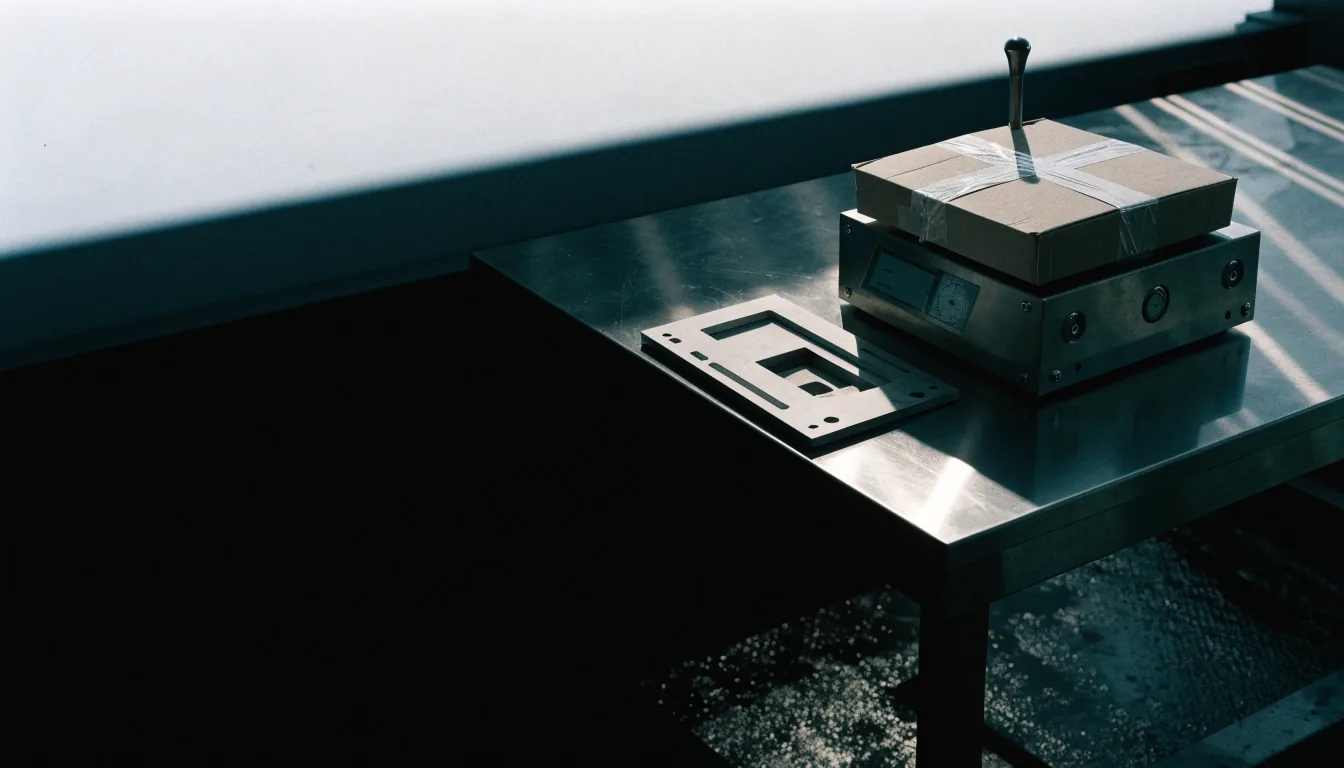
A sealed desktop application parcel weighed on a steel bench scale under cool overhead light

Desktop app consulting — Burbank, California

Weigh the release first, then decide how it ships.

Choose, build, modernize and deploy native and cross-platform desktop software for the machines your users actually have.

WinUI 3WPFWindows FormsQtElectronNW.js

Start here

Desktop application development consulting for US teams

10LB BAG is a desktop application development consulting practice based in Burbank, California. We help teams in the United States choose a framework, design an architecture that can be maintained, modernize older Windows software, and ship installers that enterprise users can actually deploy. The work is practical. A desktop app lives or dies on startup time, update behavior, and how it behaves on machines you do not control, so we start with those constraints rather than with a preferred stack.

If you are deciding between frameworks, modernizing a legacy product, or preparing a release for wider rollout, the first conversation is short and focused: platforms, users, and the decision you need to make.

Why desktop still matters in 2026

Desktop software remains where dense workflows, local files, instruments, and long-running operations live. Many organizations moved interfaces to the browser and then discovered that some tasks still need direct access to hardware, offline work, or precise control over resources.

A desktop application is not a compromise version of a web page. It is a separate product with its own performance, security, and deployment questions, and those questions deserve a direct answer before code is written.

Direct hardware accessDevices, files, local resources
Offline and long-running workTasks that cannot wait on a connection
Resource controlStartup, memory, responsiveness

Who we help first

Our typical client is a small to mid-size product team with a Windows-first user base, a legacy application that still runs the business, or a cross-platform plan that has stalled at the framework decision.

Some teams arrive with a working WPF or Windows Forms product that needs incremental modernization. Others arrive with a web team that wants Electron or NW.js and needs a sober view of build size and memory use. In both cases, the first task is to name the actual constraints: target platforms, team skills, hardware, and how updates reach users.

About 10LB BAG

Native Windows app development, without dogma

Microsoft positions WinUI 3 and the Windows App SDK as the recommended path for new Windows desktop applications. That guidance matters, and it is not the only answer for every product. WPF remains in active use for mature Windows-only workflows, and Windows Forms codebases still run in production across many industries.

We compare WinUI 3, WPF, and Windows Forms against your team, your existing code, and your release schedule, then recommend a path you can defend in a planning meeting.

WinUI 3New Windows-only apps
WPFMature Windows workflows
Windows FormsMaintain and modernize in place

Cross-platform desktop development choices

Qt, Electron, and NW.js solve the cross-platform problem in different ways. Qt offers native code with C++ or Python, ready-made components, and advanced graphics, which suits technical and industrial tools. Electron packages web technologies into a desktop shell for Windows, macOS, and Linux, which can speed delivery for teams with strong web skills. NW.js follows a similar reuse logic with different tradeoffs.

We help you weigh platform coverage against performance, packaging complexity, and long-term maintainability before you commit. No framework is declared the winner here — the trade-offs are laid out against your team and your product.

Modernization

Desktop modernization consulting that protects operations

Modernization fails when it tries to rewrite everything at once. A WPF application that handles printing, file locking, or a device driver cannot be paused while a new version is written in a different framework.

We plan incremental migration: first stabilize the current build, then replace isolated screens or services, then move the remaining surface in ordered steps. Each increment ships, each increment can be rolled back, and daily operations continue through the program.

StabilizeCurrent build first
Replace in isolationScreens and services, one at a time
Move in orderEach increment ships and can roll back
Plan a modernization path
An older desktop application parcel being resealed with an oxide tag on the bench

Architecture before framework selection

Framework choice made in isolation often creates a support problem two years later. Architecture decides how the application separates presentation from business rules, how it stores local data, how it calls services, and how it signs and updates itself.

We review architecture before framework selection when a team is starting fresh, and we audit existing architecture when a product has grown past its original design.

A finished desktop application installer plate ready for dispatch on pale steel

WinUI 3 consulting and the Windows App SDK

WinUI 3 brings Fluent Design, modern navigation, and access to the Windows App SDK runtime. For a new Windows-only product, that combination can produce a current-looking application with native behavior. The practical questions are support windows for the SDK, packaging with MSIX, and how your team handles XAML learning if the team came from another UI stack. We work through those questions with your developers rather than handing over a slide deck.

Electron desktop consulting with clear tradeoffs

Electron can be the right tradeoff when a product must ship across platforms and the team already thinks in HTML, CSS, and JavaScript. The same choice brings larger installers and higher memory use, and those facts should be part of the business case from the start.

We help teams measure startup time and memory on representative hardware, structure the main and renderer processes sensibly, and keep the build pipeline reproducible. If the numbers do not fit the product, we say so early.

Performance tuning that users can feel

Performance work on desktop starts with measurement, not opinion. Startup time, memory use, and responsiveness during common tasks tell you more than any framework comparison table.

We profile cold starts, look at what loads at launch that could load later, and check how the application behaves on a machine with limited RAM. Small changes in initialization order often matter more than a rewrite, and we document what changed.

Deployment packaging and installer updates

Deployment is where desktop products are won or lost after launch. Installers, updates, enterprise rollout, and version control determine whether users receive fixes in days or in quarters.

We cover MSIX and traditional installers for Windows, signed packages, staged rollouts, and rollback paths, plus the equivalent decisions for macOS and Linux when a product ships cross-platform.

Arm64 support and hardware in the field

Windows on Arm changes the packaging conversation for new devices. An application that runs well on x64 hardware may need a separate build, tested drivers, and installer logic that detects the architecture at runtime.

We help teams decide whether to ship a native Arm64 build now, support it through emulation with known limits, or plan it as a defined next step.

Performance and deployment

What an engagement with 10LB BAG looks like

Engagements start with a short discovery conversation about platforms, users, and the decision you need to make. From there we propose a scoped review, a prototype, or a roadmap, depending on the question.

You receive written findings, a recommendation with reasons, and a sequence of next steps your team can execute. We are based at 1063 Via Alta, Burbank, CA 91501, and we work with clients across the United States by video, shared documents, and scheduled working sessions.

DiscoveryPlatforms, users, decision
Scoped review, prototype, or roadmapMatched to the question
Written findingsRecommendation with reasons

Questions to bring to your first call

Bring your current stack, your target platforms, and the complaint you hear most from users. If startup is slow, bring a recording or a rough timing. If updates are painful, bring a description of how the last release reached users.

If the framework decision is stuck, bring the skills your team has today, not the skills you hope to hire. Concrete details let us give concrete answers.

Contact us in Burbank [email protected]

1063 Via Alta, Burbank, CA 91501 · +1 (818) 592-0048 · Monday to Friday, 9:00 AM to 6:00 PM

Common questions

Should a new desktop app be built with WinUI 3, WPF, or Windows Forms?

WinUI 3 with the Windows App SDK is the recommended path for new Windows-only applications. WPF suits teams extending a mature Windows product, and Windows Forms codebases are usually maintained and modernized incrementally rather than replaced. Your team skills and existing code matter as much as the framework name.

When does Electron make sense for a business desktop product?

Electron makes sense when cross-platform delivery matters and the team already works in web technologies. The tradeoff is installer size and memory use, so measure those factors on your target hardware before committing.

How much of a desktop codebase can be shared across Windows, macOS, and Linux?

Shared code depends on the framework and on how much platform-specific behavior the product needs. Qt and Electron both support broad sharing, and the remaining work usually sits in packaging, signing, and hardware access. A prototype on your hardest screen gives the clearest answer.

Ready when you are

Bring the decision you need to make.

Bring your current stack, target platforms, and the complaint you hear most from users. We will weigh what you have, then talk through how it ships.

Talk to 10LB BAG about your desktop app