10LB BAG 10LB BAG
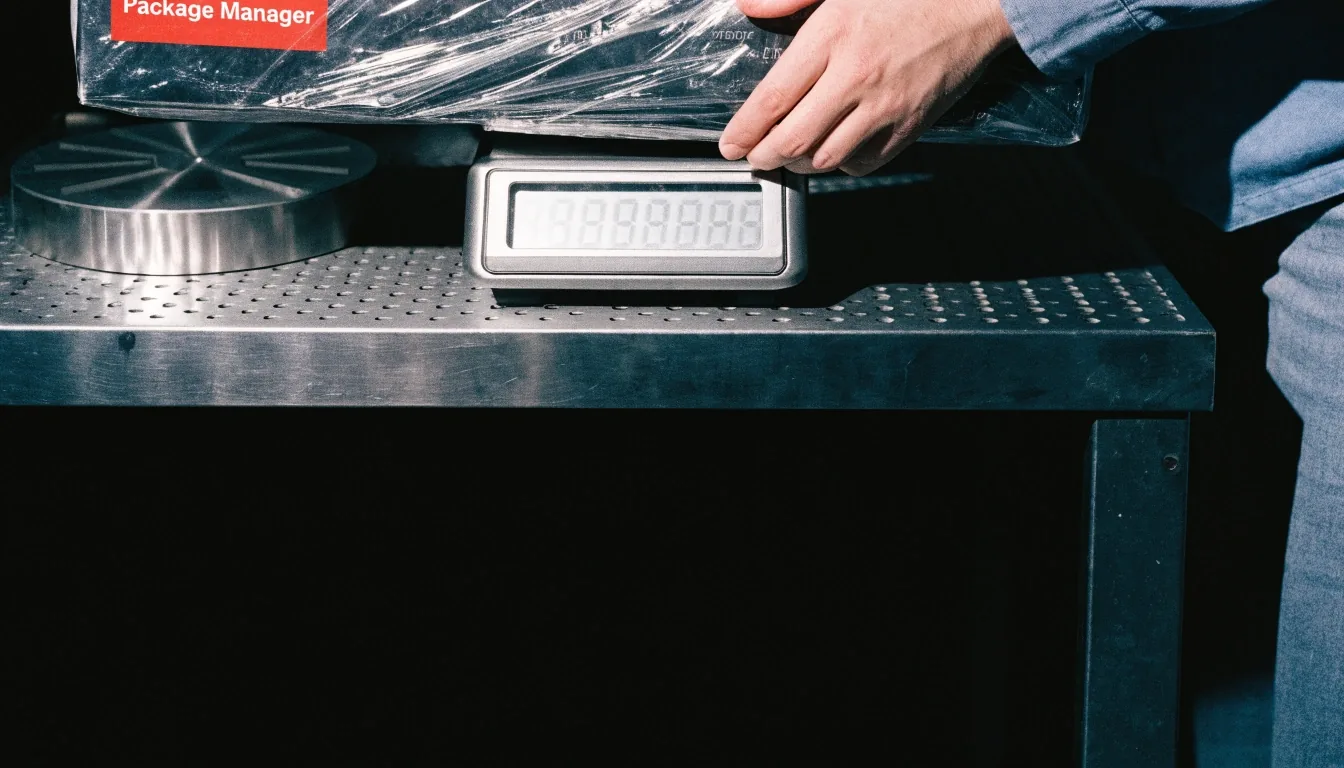
A sealed desktop app parcel being weighed on a steel bench scale

Performance & Deployment

Weigh the release first, then decide how it ships.

Desktop performance optimization and deployment packaging decide whether an app feels modern and whether fixes reach users. Startup time, memory use, and installer behavior are where users notice problems first.

Native
Qt · .NET
Cross-platform
Electron
Focus
Arm64

Measure first

Startup time, measured honestly

Startup time should be measured cold, on representative hardware, with the normal user profile. Warm starts and developer machines flatter the numbers. We time the launch sequence, identify what loads at startup that could load later, and check for work that blocks the first window. Moving initialization off the critical path often improves perceived speed more than any single optimization elsewhere in the application.

What we time

Cold launch
Process start to first window
Blocked work first
Deferred initialization
Moved off the critical path
User profile and plug-ins
Normal profile, not a clean test account
Representative hardware
The machines users actually run
Performance tuning on representative desktop hardware at the bench
Test the task your users do all day, on hardware they actually own.

Memory use and responsiveness

Memory use matters most on machines with limited RAM, which is where many enterprise and field users actually work. We look at what the application holds in memory during common tasks, how it responds during long operations, and whether background work competes with the interface. Responsiveness during a real workflow tells you more than an idle measurement.

What to check during long operations

Check whether the interface stays responsive while files load, searches run, and background tasks complete. If background work competes with the interface, the fix is usually scheduling and chunking the work, not asking users for more memory.

In context

Electron build performance

Electron applications are often evaluated for performance, packaging, and long-term maintainability. Build performance includes the size of the installer, the memory footprint at runtime, and the time to load the first screen. None of those numbers is a reason to reject Electron on its own. They are numbers to measure against the product's needs, on the hardware your users run, before the framework decision is final.

That means comparing installer size, peak memory during real tasks, and first-screen time side by side — then ranking the changes by what users will notice first.
Installer choice

Windows installers, decided before release

Windows deployment choices include MSIX and traditional installers, each with different update and rollback behavior. MSIX suits managed enterprise rollout and clean uninstall. Traditional installers offer more control for custom steps. The right choice depends on how your users receive the application and how updates must be staged.

Decide the installer before the first release, because changing it later touches signing, updates, and support scripts.

MSIX
Managed rollout, clean uninstall
Traditional installer
More control for custom steps
Either way
Signing and rollback planned early

Updates, enterprise rollout, and version control

A staged rollout lets a team detect problems in a small group before the whole fleet is affected. Version control that records what shipped where makes rollback a decision instead of an investigation. Plan those mechanisms while the product is small, when they are cheap to build.

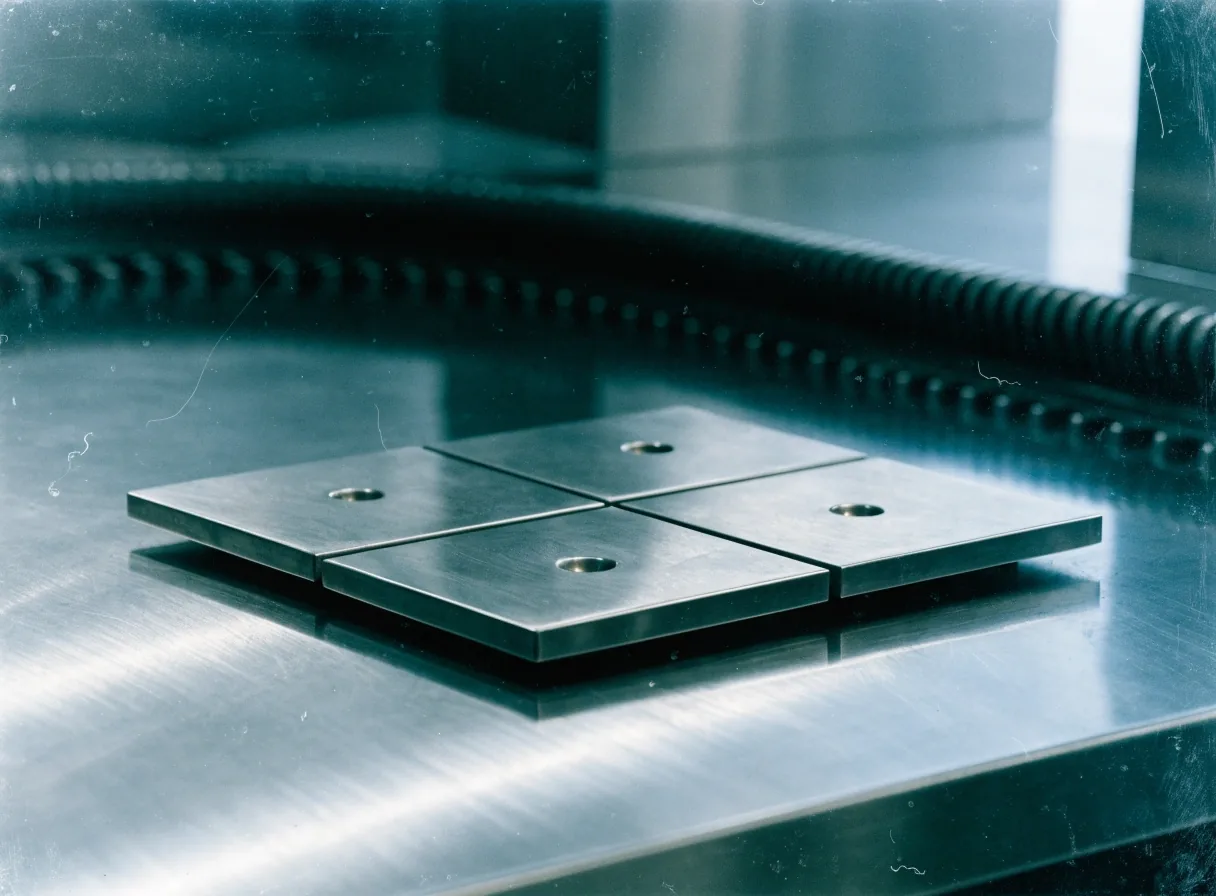
A finished installer plate on bright steel ready for dispatch
Native Arm64, emulation with stated limits, or a named later step — each is defensible when stated plainly.

Architecture

Arm64 support for desktop apps

Windows on Arm requires a native Arm64 build for full performance, plus testing of drivers and installer logic that detects the architecture. Qt and .NET toolchains support Arm64, and Electron has its own path. Decide whether to ship native Arm64 now, support emulation with stated limits, or schedule Arm64 as a named later step. Each option is defensible when it is stated plainly to users and support.

Ship a native Arm64 build with tested drivers and installer logic that detects the architecture. This gives full performance on Windows on Arm and a clear story for support.

Desktop installer updates that users accept

Users accept updates when the process is predictable: a clear prompt, a short install, and no surprise reboots. Automatic updates reduce support tickets but need a rollback path when a release misbehaves. Manual updates give the team control but depend on users acting. Many products combine the two, with automatic delivery and a visible version history. The update policy should be written down and tested like any other feature.

Before it ships

A release checklist that holds up

A release checklist covers signing, version numbers, test results on each platform, update staging, and rollback steps. It also records what changed in this release, so support can answer questions without reading code. Checklists feel bureaucratic until the first bad release, after which they feel essential. We help teams write the checklist for their product and rehearse it before the next release ships.

  • SigningVerified before packaging
  • Version numbersRecorded per platform
  • Test resultsEach platform, each architecture
  • Update stagingSmall group first
  • Rollback stepsRehearsed, not improvised

Questions from the bench

What are the main risks in packaging for enterprise users?

Signing, update staging, rollback, and architecture detection are the usual risks. A tested installer, a staged rollout, and a recorded version history reduce each of them.

How do you approach Electron performance consulting?

We measure startup time and memory on representative hardware, review the launch sequence and process structure, and rank changes by impact so the team can start with what users will notice.

More answers are on the FAQ page.

Book time at the bench

Hourly consulting for indie makers and small teams, Monday to Friday, 9:00 AM to 6:00 PM. Tell us what you are shipping and where it feels slow or fragile.

[email protected] · +1 (818) 592-0048 · 1063 Via Alta, Burbank, CA 91501