10LB BAG 10LB BAG
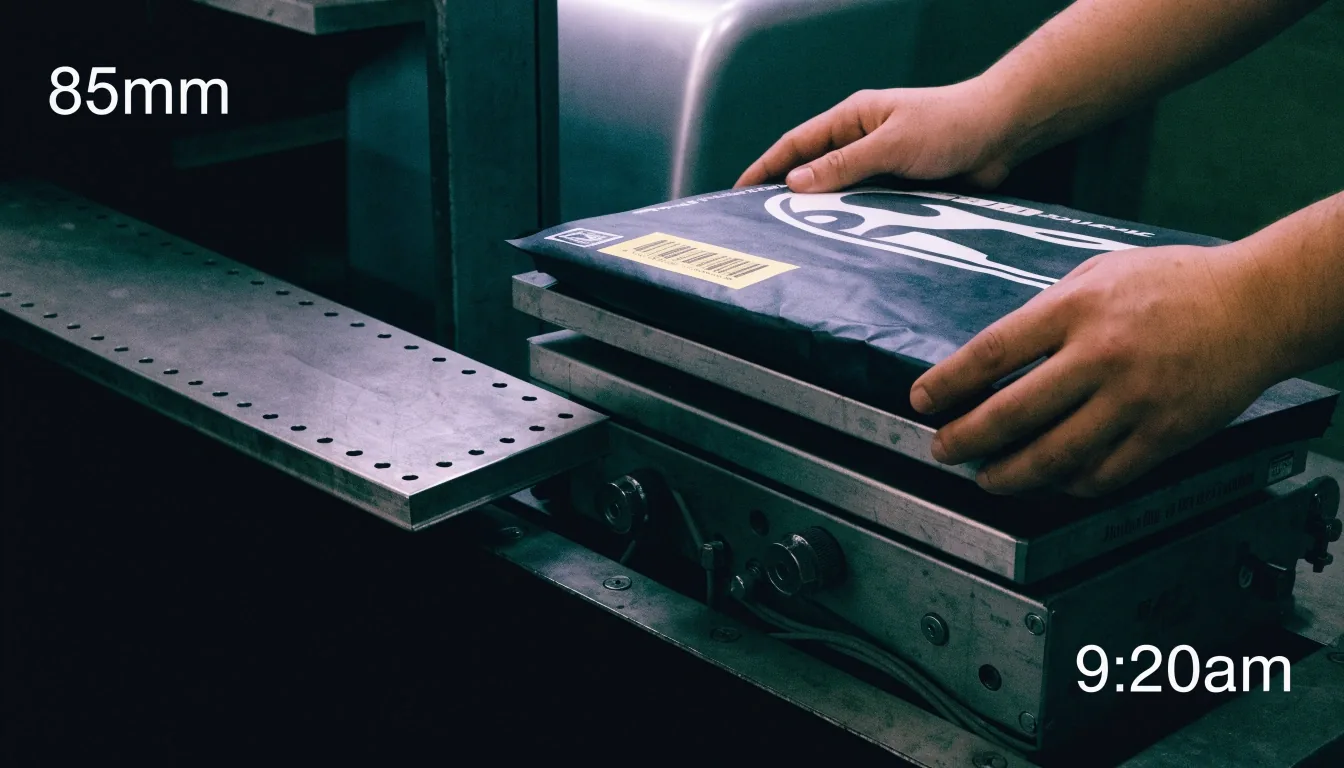
A sealed desktop app parcel being weighed on a steel bench scale under cool overhead light

FAQ — desktop application consulting

Desktop application consulting FAQ, answered plainly

Weigh the release first, then decide how it ships.

This page answers the questions teams ask us most often. The answers cover scope, framework choice, modernization timelines, and how to start an engagement with 10LB BAG. If your question is not here, send it through the contact page and we will answer it directly.

  • WinUI 3
  • WPF
  • Qt
  • Electron
  • NW.js

Scope

What does desktop application development consulting include?

Consulting includes architecture reviews, framework selection, prototyping, modernization roadmaps, performance tuning, and deployment packaging. Each engagement ends with written findings and a next-step sequence your team can execute.

That scope is deliberately practical. You get a decision you can act on, the reasoning behind it, and the order in which to do the work — not a set of slides to interpret later. Where a prototype is the fastest way to settle a question, we build one around the hardest workflow in the product.

Windows
WinUI 3 · WPF · Windows Forms
Cross-platform
Qt · Electron · NW.js
Deliverable
Written findings + next steps
Three desktop application builds laid out as work trays on a bench for framework comparison

Framework choice

How do you choose a desktop framework?

We start with platform targets, team skills, and the hardest workflow in the product. Then we prototype that workflow in the leading options and compare startup time, memory use, packaging effort, and maintenance needs. The framework your team can learn fastest is usually the cheapest to ship and the cheapest to keep.

Compare frameworks

Modernization timeline

What does WPF modernization cost in time?

Timelines depend on the size of the application and how much of the interface changes. Incremental modernization runs in phases, with a shippable result at the end of each phase.

A short assessment inventories the application and sequences the work, which gives a realistic picture of effort before a roadmap is committed. You do not have to pause the existing product to find out what modernization will take — the inventory comes first, while the current release keeps shipping.

First step
Short assessment
Shape of work
Phased, shippable increments
What you get
Sequenced roadmap
Desktop Modernization
A finished desktop app installer plate quartered and ready for dispatch on pale steel

Deployment is part of the decision, not an afterthought. Signing, update staging, and rollback are planned before the framework is chosen.

Cross-platform calls

When does Electron make sense?

Electron makes sense when cross-platform delivery matters and the team already works in web technologies. The tradeoff is installer size and memory use. Measure those factors on your target hardware, and decide from the numbers rather than from preference.

How much code can be shared across platforms?

Shared code depends on the framework and on how much platform-specific behavior the product needs. Qt and Electron both support broad sharing, and the remaining work usually sits in packaging, signing, and hardware access. A prototype on your hardest screen gives the clearest answer for your product.

Measure first
Installer size · memory use on target hardware
Sharing
Broad in Qt and Electron; remainder in packaging and hardware access

Short answers

Three questions, answered directly

Open any row for the full answer. Every answer here follows the same rule we use in an engagement: inventory first, prototype the hard part, then commit.

Performance & Deployment
Should a new desktop app be built with WinUI 3, WPF, or Windows Forms?

WinUI 3 with the Windows App SDK is the recommended path for new Windows-only applications. WPF suits extending mature products, and Windows Forms codebases are typically modernized incrementally.

What is the safest way to modernize a legacy desktop application?

Inventory first, then replace bounded pieces in increments that each ship independently, keeping the existing product running until the new pieces have proven themselves.

What are the main risks in packaging and deploying a desktop app to enterprise users?

Signing, update staging, rollback, and architecture detection. A tested installer, a staged rollout, and a recorded version history reduce each risk.

Starting an engagement

How does an engagement start?

Send a message through the contact page with the application, its platforms, and the decision you are facing. We reply to discuss scope and whether a review, a prototype, or a roadmap would serve you best. We are at 1063 Via Alta, Burbank, CA 91501, and we work with clients across the United States.

Address
1063 Via Alta, Burbank, CA 91501
Hours
Monday to Friday, 9:00 AM to 6:00 PM