10LB BAG 10LB BAG
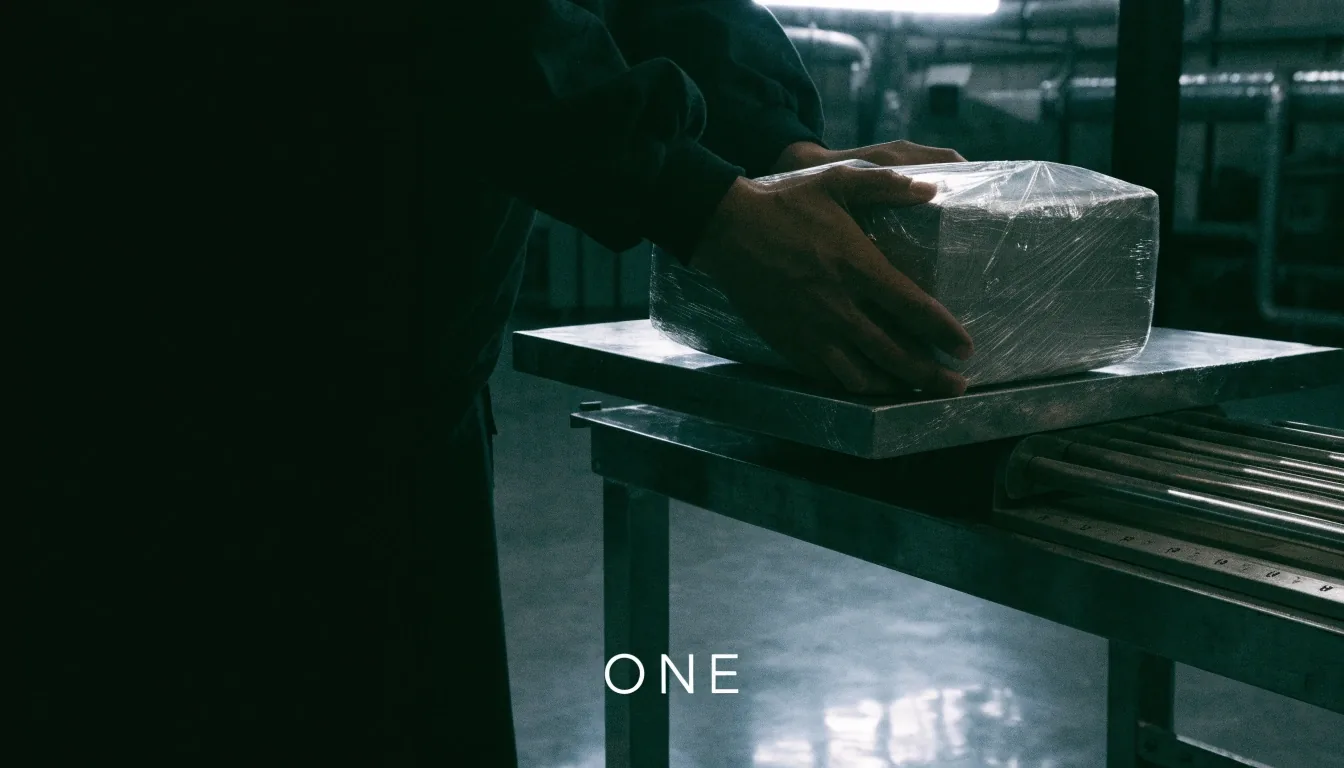
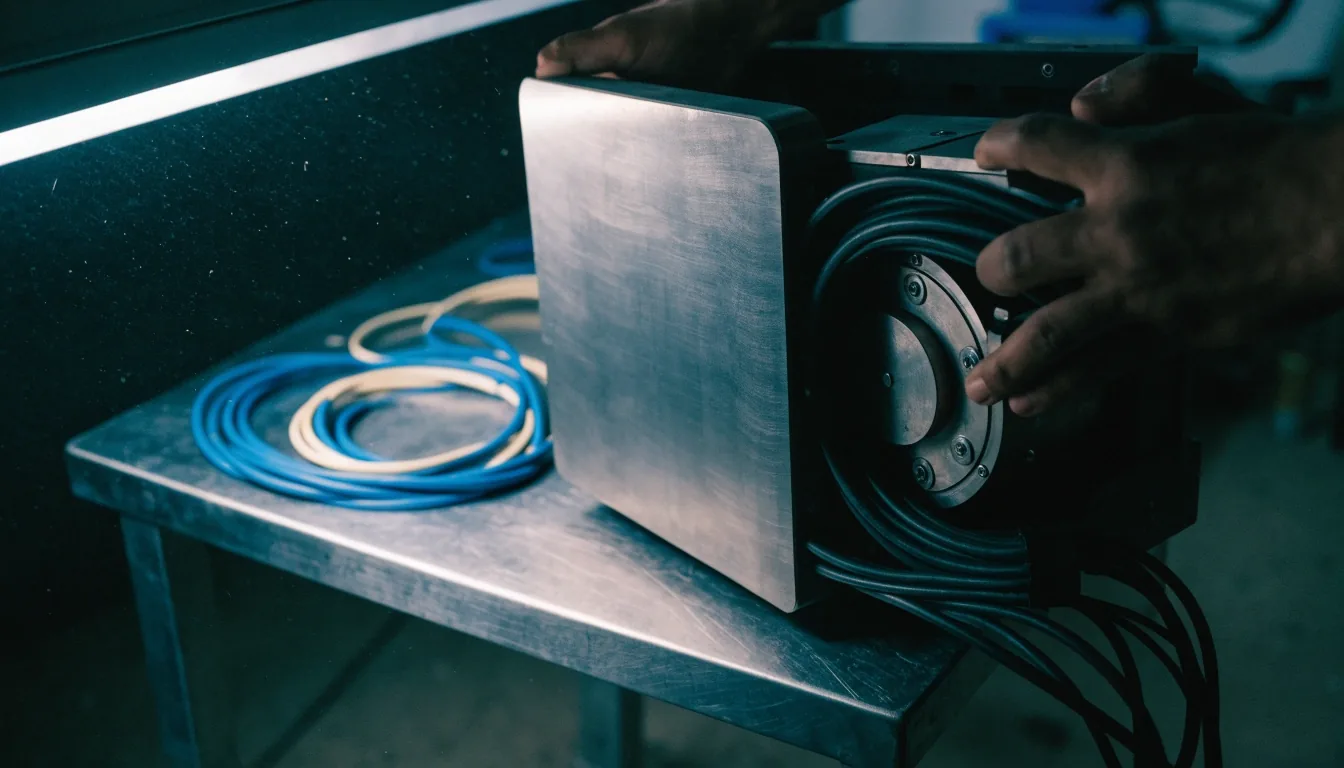
A sealed desktop application parcel being weighed on a steel bench

Desktop modernization

Weigh the release first, then decide how it ships.

Desktop modernization without stopping daily operations — stabilize the build that users rely on today, then replace one bounded piece at a time.

WPF · Windows Forms · WinUI 3

Windows App SDK · MSIX

The safest path is incremental

Desktop modernization without stopping daily operations

Modernization is the safest way to protect a legacy desktop application that the business still depends on. The safest path is incremental: stabilize the current build, replace one bounded piece at a time, and ship each increment so operations continue.

This page explains how we plan WPF migration, Windows Forms legacy modernization, and WinUI 3 migration without a risky big-bang rewrite. You keep taking orders, printing, connecting to hardware, and serving customers while the new pieces earn their place.

10LB BAG · Burbank, California · Mon–Fri, 9:00 AM–6:00 PM

Why incremental rewrites win

A big-bang rewrite asks the business to pause while a new application is written in a different framework. During that pause, bugs discovered in the old product still need fixes, and users keep asking for changes. Incremental rewrites avoid that trap.

Each step replaces a screen, a service, or a data layer, ships on its own, and can be rolled back. The old application remains the system of record until the new pieces have proven themselves in production — which means a rollback is a decision, not a disaster.

One piece at a timescreens, services, data layers
Ships independentlyeach increment on its own
Old app stays liveuntil new work is proven
Inventory before migration

Modernization starts with an inventory, not with code. We list the frameworks, dependencies, custom controls, and third-party components in the existing application — and map the workflows users depend on most, such as printing, file handling, or device access.

That inventory becomes the basis for sequencing. Work that touches every screen goes last. Work that is isolated and well understood goes first.

Open the inventory list
  • Frameworks and runtime versions in use today
  • Dependencies, custom controls, and third-party components
  • Workflows that must keep working: printing, files, devices
  • The order those pieces can be replaced in
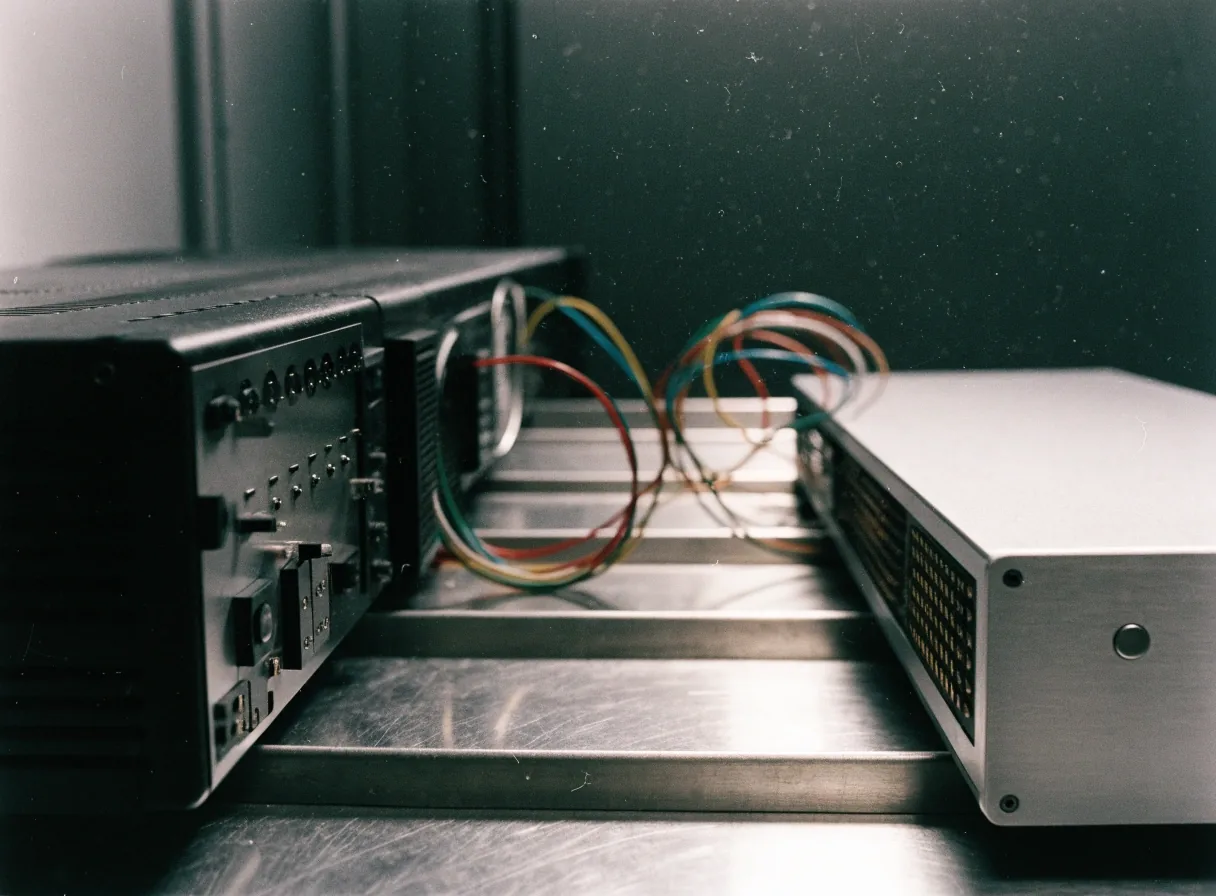
Old and new desktop hardware side by side during modernization

What an assessment hands you

A short assessment inventories the application and sequences the work into increments. That gives the team a realistic picture of effort — and a first increment that can start right away, while the rest of the plan stays flexible as you learn.

The seal decision

Modernize in layers, keep the logic

WPF migration works best in layers. Windows Forms applications often contain years of working logic that should be preserved — the goal is to keep that logic while refreshing the interface, the build, and the deployment.

WPF migration in ordered steps

First, update build tooling and dependencies so the application builds cleanly on current tools. Next, modernize deployment so releases are repeatable. Then replace the screens or services with the highest maintenance cost, one at a time.

Many teams find that the first two layers deliver most of the practical benefit, because a repeatable build and a clean installer make every later step cheaper.

  1. Build tooling and dependenciesbuilds cleanly on current tools
  2. Deploymentreleases become repeatable
  3. Highest-cost screensreplaced one at a time

Windows Forms legacy modernization

We help teams decide which parts to keep, which screens to rebuild in WinUI 3 or WPF, and how to interop between old and new code during the transition. The logic that runs the business should not be rewritten to fix a menu.

That means keeping proven behaviour intact, refreshing the surface around it, and letting old and new code work side by side until each piece has earned its place.

  1. Keeplogic that runs the business
  2. Rebuildselected screens in WinUI 3 or WPF
  3. Interopold and new code during transition

WinUI 3 and Fluent Design

A current surface, shipped through the same installer

WinUI 3 migration makes sense when a product is ready for a current Fluent Design surface and the Windows App SDK lifecycle. Migration can proceed screen by screen, with new screens built in WinUI 3 and existing screens left in place until their turn comes.

Plan for XAML learning if the team has not worked with it before, and settle MSIX packaging early so the new screens ship through the same installer as the old ones. Fluent Design gives a modernized application a current look and native behavior — but a visual refresh alone does not modernize a product. Pair interface updates with build, deployment, and dependency work. Users notice the new surface; your team benefits from the plumbing behind it.

A finished installer plate ready for dispatch on pale steel
New screensbuilt in WinUI 3
Existing screensleft in place until their turn
PackagingMSIX, settled early

Protecting data, files, and hardware access

Legacy desktop applications often manage local files, databases, printers, and devices that new code must handle exactly as the old code did. Data migrations deserve special care: rehearse them on a copy, verify the results, and keep a rollback path until the new version has run in production.

  • Rehearseon a copy first
  • Verifycheck the results
  • Rollbackuntil production proves it

Timelines, expectations, and first steps

Timelines depend on the size of the application, the number of frameworks involved, and how much of the interface changes. Most modernization programs run in phases over months, with a shippable result at the end of each phase.

A beginner-friendly first step is a short assessment that inventories the application and sequences the work into increments. That assessment gives the team a realistic picture of effort and a first increment that can start right away.

Phase one

Inventory and a first shippable increment.

Next phases

Bounded pieces replaced, each shipped on its own.

Throughout

Daily operations continue on the current build.

Questions

Before you reseal it

Two questions come up first. If yours is not here, write to [email protected] or call +1 (818) 592-0048.

What is the safest way to modernize a legacy desktop application?

Inventory the application first, then replace bounded pieces in increments that each ship independently. Keep the existing product running as the system of record until the new pieces have proven themselves.

Can a WPF application be modernized without rewriting everything?

Yes. Update build tooling and deployment first, then replace the highest-cost screens or services one at a time. Many teams stop after those early layers and still gain most of the benefit.

Start with the inventory. Ship the first increment.

Tell us what the application does today and what is starting to hurt. We will help you sequence the work so daily operations never have to stop.

10LB BAG · 1063 Via Alta, Burbank, CA 91501 · [email protected]