10LB BAG 10LB BAG
A sealed desktop app parcel being weighed on a steel bench scale

Desktop framework comparison

Weigh the release first, then decide how it ships.

Framework selection decides a great deal about the next several years of a desktop product. The right choice depends on platform targets, team skills, performance needs, and how updates will reach users.

Qt · Electron · NW.js · Blazor · WPF · WinUI 3

Start here

Qt vs Electron and other desktop framework choices

This page compares Qt, Electron, NW.js, Blazor, WPF, and WinUI 3 on platform support, performance, team skills, and maintenance. The aim is not to crown a winner. The aim is to help you pick the option your team can maintain.

Read each tray for what it does well, where the tradeoff shows up, and what to measure before you commit. If your hardest workflow is the deciding factor, prototype that workflow in two leading options. A week of prototyping will tell you more than a month of comparison charts.

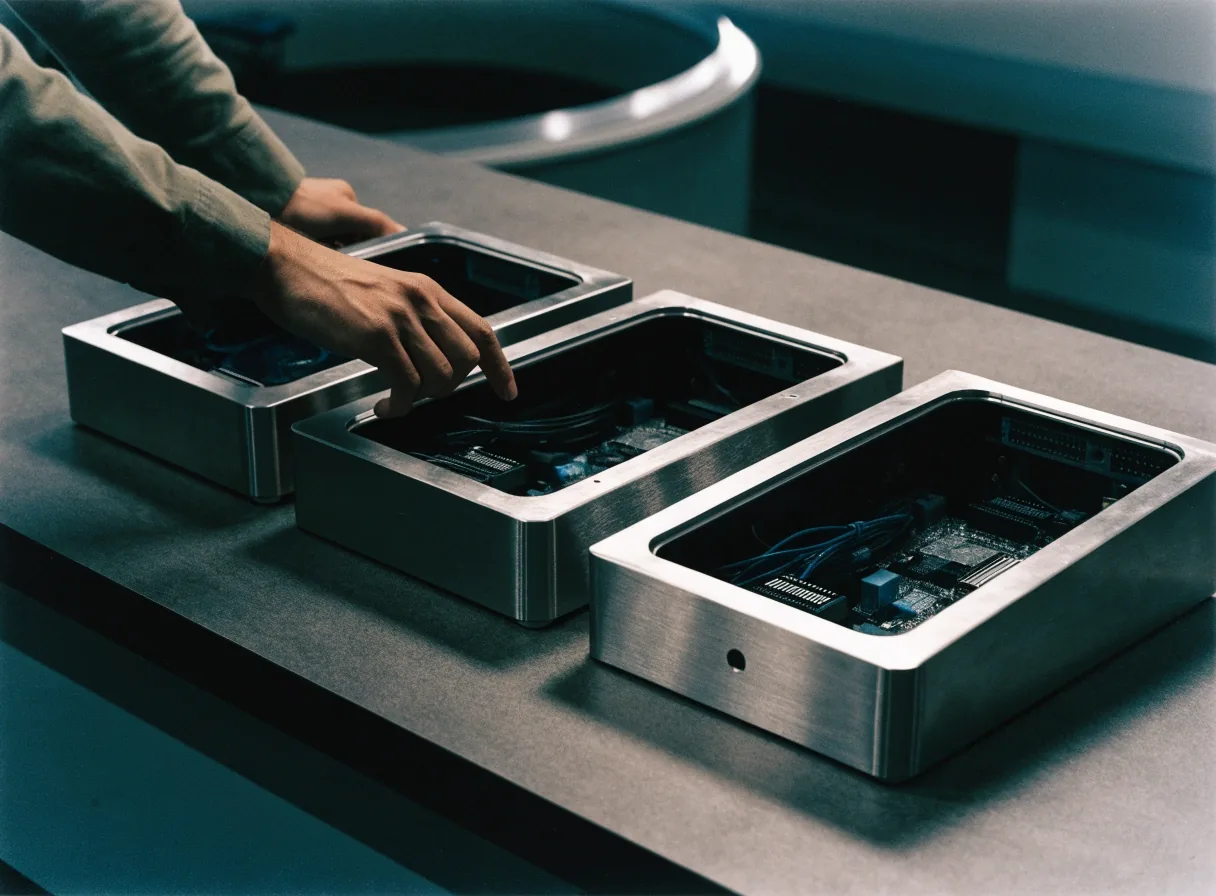
Three desktop builds laid out as work trays for a framework decision

How to weigh them

Same bench
PlatformsWindows, macOS, Linux, Arm64
PerformanceStartup, memory, graphics
Team fitC++, C#, or JavaScript
MaintenancePackaging and updates

Qt: native power for technical products

Native

Qt is a cross-platform native framework used for desktop, mobile, XR, and web applications. It offers ready-made components, advanced graphics, C++, and Python bindings, and it supports Windows on Arm as well as desktop deployment.

Qt suits graphics-heavy products and scientific or industrial tools where performance and control matter. The tradeoff is a larger learning surface and a build and deployment process that needs care.

What to settle early

Name the platform targets, the Arm64 position, and who owns the build pipeline before the first release. Qt rewards teams that plan deployment as carefully as they plan the interface.

Electron: web skills, desktop reach

Web reuse

Electron packages web technologies into cross-platform desktop applications for Windows, macOS, and Linux. For a team that already works in HTML, CSS, and JavaScript, that reuse can shorten delivery time.

Measure startup time and memory on your target hardware before committing. Those are the areas where the tradeoff shows up.

NW.js: a different web-to-desktop path

Web reuse

NW.js is discussed alongside Electron in cross-platform desktop consulting, and it appeals to teams trying to reuse web skills for desktop delivery. The comparison that matters is architectural: how each framework structures the application, manages native modules, and handles updates.

Evaluate NW.js on architecture and maintainability rather than on feature lists.

WinUI 3 and the Windows App SDK

Windows

WinUI 3 with the Windows App SDK is Microsoft's recommended path for new Windows desktop applications. It brings Fluent Design, modern controls, and native Windows behavior. For a Windows-only product, that combination is a strong default.

Settle earlySDK support windows
PackagingMSIX
Team readinessBuilding in XAML

None of those questions is a blocker, but each one needs an owner.

WPF: mature, supported, and still in production

Windows

WPF remains an existing desktop framework within the Windows App SDK platform story. Many enterprise desktop products depend on it for mature Windows-only workflows, and it is a supportable choice for maintenance and incremental rewrites.

WPF is usually discussed as a modernization target rather than a greenfield default. The sensible question is how to modernize a WPF product without rewriting the whole application at once.

Blazor: C# web UI skills for hybrid products

.NET

Blazor lets developers build interactive web UIs using C# instead of JavaScript, with reusable components written in C#, HTML, and CSS. It suits teams that want one language across web and desktop-adjacent surfaces.

It is not a substitute for a native desktop shell when hardware access is central.

Legacy desktop test hardware on the bench

The seal decision

Comparing on performance and maintenance

Performance and maintenance separate the frameworks more honestly than feature lists do. Qt tends to suit performance-sensitive native work. Electron and NW.js trade some resource use for development speed. WinUI 3 and WPF offer native Windows behavior with different ages and tooling.

Put your hardest workflow in the leading options and measure it. Startup time, memory, and the work that stresses graphics or hardware access will show the real cost of each path.

A desktop app parcel being resealed on the bench

Platform support and Arm64

Platform support includes the machines your users run today and the ones they will buy next. Windows on Arm is now part of that conversation, and each framework has its own story for a native Arm64 build. Check toolchain support, driver availability, and installer behavior before you promise Arm64 support in a roadmap. Decide whether to ship native, support emulation with stated limits, or schedule Arm64 as a named later step.

Ship native

Best when your toolchain and drivers are ready and Arm64 users are core to the product.

Support emulation

Workable as a bridge, as long as the limits are stated plainly to users.

Schedule it

Name Arm64 as a later step with an owner, rather than leaving it as an open promise.

Team fit

Choosing by team skills and budget tier

The best pick often comes down to who will maintain the product. A team fluent in C# and XAML will move faster in WinUI 3 or WPF. A team fluent in JavaScript will move faster in Electron or NW.js. A team with C++ experience and graphics requirements will move faster in Qt.

Budget tier follows from that fit: the framework your team learns fastest is usually the cheapest to ship and the cheapest to keep. Blazor fits teams already working in C# across web and desktop-adjacent surfaces, where one language carries the shared components.

A finished desktop installer plate ready for dispatch
C++ and graphicsQt
JavaScript reuseElectron · NW.js
C# and XAMLWinUI 3 · WPF
C# web UIBlazor

That left-to-right reading is a starting point, not a verdict. Your platform targets and hardest workflow can move the answer.

Sealed packages queued for dispatch on the bench

Common questions

Before you commit

How do Qt, Electron, and NW.js differ for cross-platform desktop apps?

Qt is a native framework with C++ or Python and advanced graphics. Electron and NW.js package web technologies into a desktop shell. The practical differences show up in performance, packaging, and long-term maintenance, so prototype your hardest screen in the leading options.

Should a new desktop app be built with WinUI 3, WPF, or Windows Forms?

WinUI 3 with the Windows App SDK is the recommended path for new Windows-only apps. WPF suits extending mature products, and Windows Forms codebases are typically modernized incrementally.

Bring your hardest screen

Tell us your platforms, your team's languages, and the workflow that worries you most. We will weigh Qt, Electron, NW.js, Blazor, WPF, and WinUI 3 against those facts and suggest a prototype plan.

[email protected]

+1 (818) 592-0048

Monday to Friday, 9:00 AM to 6:00 PM

1063 Via Alta, Burbank, CA 91501

Contact 10LB BAG

More detail on the work itself: Performance & Deployment.